
Tag: email marketing for solopreneurs

  • GetResponse vs Mailchimp vs ActiveCampaign vs ConvertKit: Which Is Best?

    GetResponse vs Mailchimp vs ActiveCampaign vs ConvertKit: Which Is Best?

    If you’re trying to choose the right email marketing platform, you’ve probably found yourself comparing GetResponse vs Mailchimp, ActiveCampaign, and ConvertKit.

    All four are popular—but they’re built for different types of users.

    In this comparison, we’ll break down features, ease of use, automation, pricing value, and ideal use cases so you can confidently decide which platform is best for your business.

    Quick Overview of Each Platform

    Before diving deeper, here’s what each tool is known for:

    • GetResponse – All-in-one email marketing, automation, funnels, and webinars
    • Mailchimp – Well-known brand, basic email marketing, limited automation
    • ActiveCampaign – Powerful automation, steeper learning curve
    • ConvertKit – Creator-focused email marketing with simple automation

    Ease of Use: Which Platform Is Beginner-Friendly?

    🥇 GetResponse

    GetResponse is designed for non-technical users. Its drag-and-drop editors, visual automation builder, and AI-powered email creator make it easy for beginners to launch campaigns quickly.

    Best for: Solopreneurs, small businesses, coaches

    🥈 Mailchimp

    Mailchimp is easy to start with but becomes restrictive as your needs grow. Many features require upgrades, and automation is fairly limited.

    Best for: Very small lists, simple newsletters

    🥉 ConvertKit

    ConvertKit is clean and minimal, but less flexible when it comes to design and funnels. Great for creators—but not ideal for broader marketing needs.

    Best for: Bloggers, content creators

    🟥 ActiveCampaign

    ActiveCampaign is powerful but complex. Beginners often feel overwhelmed by its interface and setup requirements.

    Best for: Advanced marketers, agencies

    Automation & Funnels: Where GetResponse Stands Out

    Email marketing automation and sales funnels in GetResponse compared to competitors

    GetResponse Automation

    GetResponse offers a visual automation builder that lets you:

    • Send emails based on behavior
    • Tag and segment subscribers
    • Build full sales funnels
    • Automate lead nurturing and promotions

    👉 You can also build conversion funnels (opt-in → emails → offer) without third-party tools.

    ActiveCampaign Automation

    ActiveCampaign is the most advanced—but also the most complicated. You’ll need time (or help) to set things up correctly.

    Mailchimp & ConvertKit Automation

    • Mailchimp: Basic automation only
    • ConvertKit: Simple sequences, limited logic

    Neither matches GetResponse’s balance of power + usability.

    Email Design & Creation

    • GetResponse: Modern templates, drag-and-drop editor, AI copy assistance
    • Mailchimp: Good templates, but design freedom is limited on lower plans
    • ConvertKit: Minimalist design (mostly text-based emails)
    • ActiveCampaign: Functional but not beginner-friendly

    If branding and professional design matter, GetResponse leads.

    List Building & Lead Generation Tools

    GetResponse Includes:

    • Signup forms & popups
    • Landing pages
    • Lead magnet funnels
    • Built-in analytics

    Competitors:

    • Mailchimp: Basic forms, limited landing pages
    • ConvertKit: Forms + landing pages, fewer customization options
    • ActiveCampaign: Requires integrations or extra setup

    👉 GetResponse consolidates multiple tools into a single platform.

    Webinars & All-in-One Features (Major Advantage)

    Only GetResponse includes built-in webinar hosting, making it ideal for:

    • Coaches
    • Course creators
    • Consultants
    • Affiliate marketers

    None of the other platforms offer this natively.

    Pricing & Overall Value

    While exact pricing varies by list size, here’s the key takeaway:

    • GetResponse offers the best value for small businesses because it bundles premium features together.
    • Mailchimp becomes expensive as you grow.
    • ActiveCampaign is costly for advanced features.
    • ConvertKit charges more for fewer tools.

    💡 When you factor in funnels, automation, and webinars, GetResponse is more cost-effective overall.

    FeatureGetResponseMailchimpActiveCampaignConvertKit
    Beginner-Friendly
    Advanced Automation⚠️
    Funnels & Landing Pages⚠️⚠️⚠️
    Webinars
    All-in-One Platform
    Best for SMBs⚠️⚠️

    Which Email Marketing Tool Should You Choose?

    If you want:

    • Powerful automation without complexity
    • One platform instead of multiple tools
    • Email marketing that actually drives revenue

    👉 GetResponse is the best choice for small businesses and solopreneurs.

    Mailchimp works for basic needs, ConvertKit is solid for creators, and ActiveCampaign is great for advanced users—but GetResponse delivers the best balance of features, ease of use, and value.

    🚀 Ready to Try GetResponse?

    You can create a free GetResponse account and explore its features before committing.

    👉 Try GetResponse Free Today and see why so many small businesses are switching.

    Relevant Resources

    If you’d like to explore email marketing and automation in more depth, these trusted resources can help you make smarter platform decisions. The GetResponse Marketing Resources section offers practical guides, tutorials, and benchmarks directly related to email marketing and automation.

    For broader comparisons and best practices across tools like Mailchimp and ActiveCampaign, EmailToolTester provides independent reviews and deliverability research.

    Frequently Asked Questions: GetResponse vs Mailchimp vs ActiveCampaign vs ConvertKit

    1. Which is better: GetResponse or Mailchimp?

    GetResponse is better for businesses that want automation, funnels, and list growth tools in one platform. Mailchimp is more suitable for basic newsletters but lacks advanced automation and sales-focused features.

    2. How does GetResponse compare to ActiveCampaign?

    GetResponse offers powerful automation with a much easier learning curve, while ActiveCampaign provides deeper automation but requires more technical expertise and setup time.

    3. Is GetResponse better than ConvertKit for creators?

    GetResponse is better for creators who want to sell products, run webinars, and build funnels. ConvertKit is simpler and works well for bloggers but lacks advanced marketing and conversion tools.

    4. Which email marketing tool is best for small businesses?

    GetResponse is the best option for small businesses because it combines email marketing, automation, landing pages, funnels, and webinars at a more affordable price point.

    5. Which platform is easiest to use for beginners?

    GetResponse and ConvertKit are the easiest platforms for beginners, but GetResponse offers more growth and monetization tools as your business scales.

    6. Does GetResponse offer more features than Mailchimp?

    Yes, GetResponse includes advanced automation, conversion funnels, landing pages, and webinars—features that Mailchimp either limits or does not offer at all.

    7. Is ActiveCampaign too advanced for solopreneurs?

    ActiveCampaign can be overwhelming for solopreneurs due to its complexity. GetResponse provides similar automation capabilities in a more user-friendly format.

    8. Can GetResponse replace ConvertKit and other tools?

    Yes, GetResponse can replace ConvertKit plus additional tools by handling email marketing, list building, automation, funnels, and webinars in a single platform.

    9. Which platform offers the best value for the money?

    GetResponse offers the best overall value because it bundles premium features together, reducing the need for multiple subscriptions and lowering total marketing costs.

    10. Who should choose GetResponse over its competitors?

    Small business owners, solopreneurs, coaches, creators, and affiliate marketers should choose GetResponse if they want an all-in-one, easy-to-use platform that focuses on growth and conversions.
  • GetResponse Review: Features, Pricing, and Best Use Cases in 2026

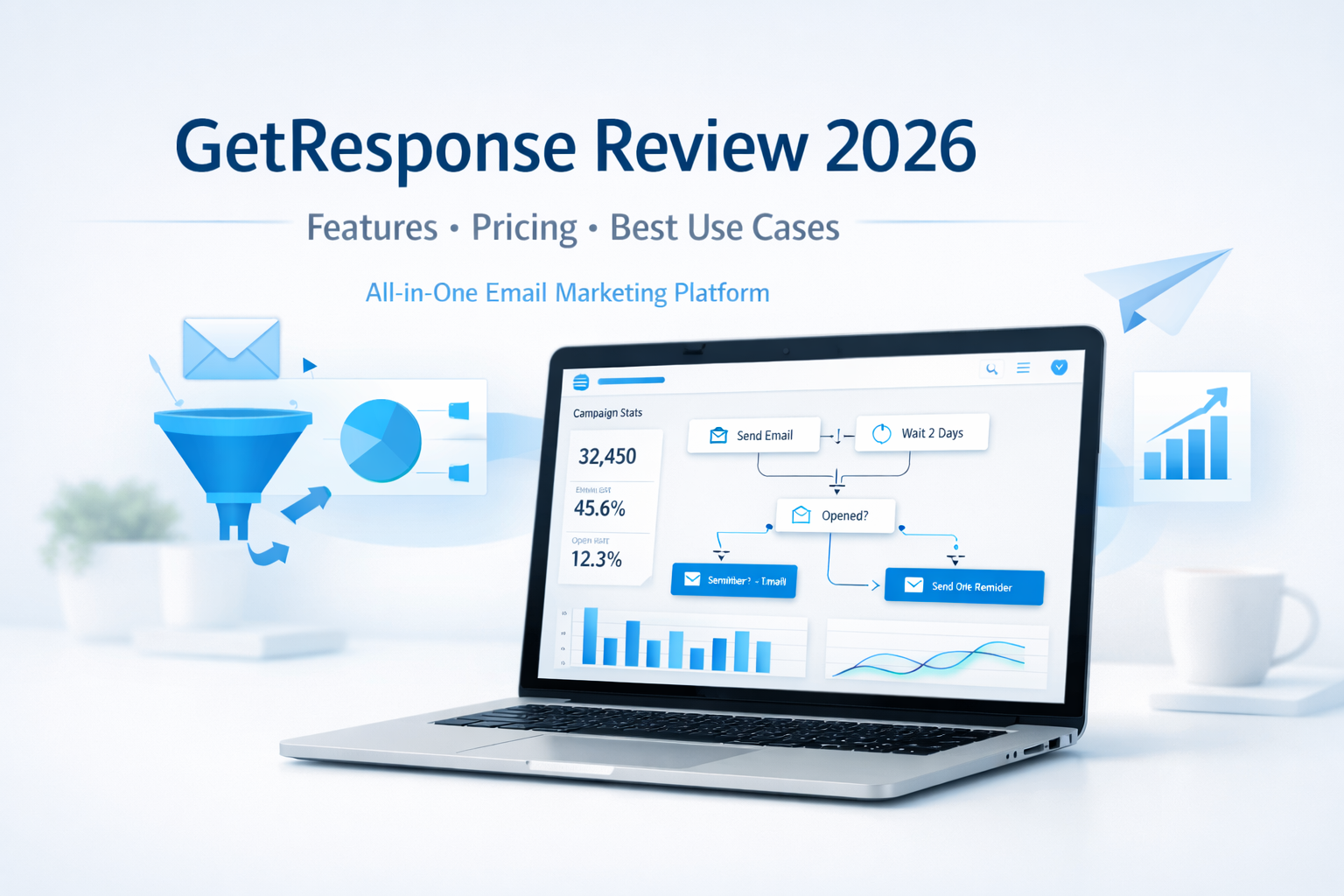
    GetResponse Review: Features, Pricing, and Best Use Cases in 2026

    Email marketing is still one of the most profitable digital channels in 2026—but only if you’re using the right platform.

    With so many tools promising automation, AI, and “all-in-one” solutions, it can be hard to know which one actually delivers without overwhelming you.

    That’s why in this in-depth GetResponse review, we’ll cover:

    • Key features and tools
    • Pricing and affordability
    • Best use cases (and who it’s not for)
    • Whether GetResponse is worth it in 2026

    If you’re a solopreneur, coach, creator, or small business owner looking to grow an email list and turn subscribers into customers, this review is for you.


    What Is GetResponse?

    GetResponse is an all-in-one email marketing and automation platform designed to help businesses:

    • Grow their email lists
    • Engage subscribers with relevant content
    • Automate marketing workflows
    • Convert leads into customers

    Unlike basic email tools, GetResponse goes beyond newsletters. It combines email marketing, automation, landing pages, funnels, webinars, and AI-powered tools in one intuitive platform.

    As of 2026, GetResponse is used by over 350,000 businesses worldwide, from solo creators to established brands.


    Key GetResponse Features (2026 Overview)

    1. Email Marketing with AI Assistance

    GetResponse’s core strength is email marketing—but it’s been modernized with AI.

    Key highlights:

    • AI-powered email creator for faster copy and layout
    • Drag-and-drop editor with professional templates
    • Advanced segmentation and personalization
    • Excellent deliverability and inbox placement

    This is especially valuable for solopreneurs who don’t have time to write every email from scratch.


    2. Marketing Automation Builder

    Automation is where GetResponse truly shines.

    The visual automation builder allows you to create workflows based on subscriber behavior—without technical complexity.

    You can automate:

    • Welcome sequences
    • Lead magnet delivery
    • Affiliate promotion funnels
    • Follow-ups after clicks, downloads, or purchases
    • Re-engagement campaigns

    Once set up, your marketing runs in the background while you focus on growing your business.


    3. List Building Tools

    GetResponse includes everything you need to grow an email list without third-party tools:

    • Signup forms and popups
    • High-converting landing pages
    • Embedded forms for websites and blogs
    • Automatic tagging and segmentation

    This makes it easy to build a list you actually own—an essential asset in 2026.


    4. Funnels, Sales Pages, and Lead Magnets

    GetResponse isn’t just about email—it’s about conversion.

    You can create complete funnels that include:

    • Landing pages
    • Email sequences
    • Thank-you pages
    • Product or affiliate promotions

    This is ideal for creators and marketers selling:

    • Digital products
    • Online courses
    • Coaching programs
    • Affiliate offers

    5. Webinars and Online Events

    One standout feature is built-in webinar hosting.

    Instead of paying for a separate webinar platform, GetResponse lets you:

    • Host live or on-demand webinars
    • Capture registrations automatically
    • Follow up with automated emails
    • Sell directly during the event

    This is a huge advantage for coaches, educators, and consultants.


    GetResponse Pricing: Is It Affordable in 2026?

    GetResponse pricing remains competitive and scalable, especially compared to buying multiple tools separately.

    Pricing is typically based on:

    • List size
    • Feature access (email only vs. automation, funnels, webinars, etc.)

    What makes GetResponse appealing:

    • Plans grow with your business
    • You’re not forced to upgrade just to access basic automation
    • Strong value for solopreneurs and small teams

    👉 Tip: For most users, the automation-focused plans offer the best ROI.


    Best Use Cases for GetResponse in 2026

    GetResponse is not for everyone—but it’s an excellent fit for the right audience.

    Best for:

    • Solopreneurs and creators building personal brands
    • Affiliate marketers promoting products via email
    • Coaches and consultants using funnels and webinars
    • Small businesses needing an all-in-one marketing tool
    • Educators and course creators nurturing leads long-term

    Not ideal for:

    • Businesses that only want to send occasional newsletters
    • Enterprises needing highly custom, developer-heavy solutions

    Pros and Cons of GetResponse

    ✅ Pros

    • All-in-one platform (email, automation, funnels, webinars)
    • Easy to use, even for non-technical users
    • Strong automation and AI features
    • Excellent value for the feature set
    • Scales well as your business grows

    ⚠️ Cons

    • Advanced features require higher-tier plans
    • Can feel like “too much” if you only need basic email sending

    Is GetResponse Worth It in 2026?

    If your goal is to:

    • Build an email list you own
    • Automate your marketing
    • Convert subscribers into customers
    • Avoid juggling multiple tools

    Then yes—GetResponse is absolutely worth considering in 2026.

    It strikes a rare balance between power and simplicity, making it especially attractive for solopreneurs and growing online businesses.


    Should You Try GetResponse?

    GetResponse isn’t just an email tool—it’s a growth platform.

    If you want a reliable, affordable, and future-ready solution to manage your email marketing, automation, and conversions in one place, GetResponse is a strong choice.

    👉 Try GetResponse Free and explore the features for yourself.

    If you want to deepen your understanding of email marketing and automation beyond this GetResponse review, these trusted resources are worth exploring. HubSpot’s Email Marketing Guide offers practical education and best practices, Email Monday provides expert insights on email strategy and deliverability, and MarketingCharts shares data-driven research on email and marketing automation trends.

    Frequently Asked Questions (FAQ)

    1. What is GetResponse and what does it do?

    GetResponse is an all-in-one email marketing and automation platform that helps businesses grow email lists, engage subscribers, and convert leads into customers using emails, funnels, automation, and webinars.


    2. Is GetResponse good for solopreneurs and small businesses?

    Yes. GetResponse is especially well-suited for solopreneurs, creators, coaches, and small businesses because it combines powerful features with an easy-to-use interface and affordable pricing that scales as you grow.


    3. What features does GetResponse offer in 2026?

    In 2026, GetResponse offers email marketing, AI-powered email creation, marketing automation, landing pages, signup forms, sales funnels, webinars, list segmentation, and detailed analytics—all within one platform.


    4. How much does GetResponse cost?

    GetResponse pricing depends on your list size and the features you need. Plans are designed to grow with your business, making it cost-effective compared to using multiple separate marketing tools.


    5. Does GetResponse support marketing automation?

    Yes. GetResponse includes a visual automation builder that allows you to create automated workflows for welcome emails, lead nurturing, follow-ups, re-engagement campaigns, and affiliate promotions—without coding.


    6. Can I use GetResponse for affiliate marketing?

    Absolutely. GetResponse is widely used by affiliate marketers to build email lists, deliver lead magnets, automate follow-ups, and promote affiliate offers while maintaining strong deliverability and audience engagement.


    7. How does GetResponse compare to other email marketing tools?

    GetResponse stands out by offering email marketing, automation, funnels, and webinars in one platform. This makes it more comprehensive than basic email tools and more affordable than combining multiple services.


    8. Is GetResponse worth trying in 2026?

    If you want to simplify your marketing stack, automate your emails, and focus on growing revenue, GetResponse is worth trying in 2026—especially for online businesses and personal brands.

    9. Is customer support reliable?

     Yes! GetResponse provides excellent customer support via live chat, email, and an extensive knowledge base. They genuinely care about your success and are quick to assist, ensuring you never feel lost on your marketing journey.

    10. Can I integrate GetResponse with other tools?

    Definitely. GetResponse seamlessly integrates with numerous platforms like WordPress, Shopify, and social media networks. This integration enhances your marketing efforts, making it easier to manage all your channels in one place.